
TL;DR, Quick Answer
3 min readOpenClaw is an open-source personal AI assistant connecting LLMs to messaging. Deploy via clawoneclick.com in under 60 seconds, click, connect a channel, and chat. 81% of users go live in under 1 minute.
Skip the 30-minute server setup: the OpenClaw one click deploy workflow through clawoneclick.com gives you a working AI assistant in under 60 seconds.
This guide walks you through deploying OpenClaw with ClawOneClick. From zero to chatting in under 60 seconds, the onboarding wizard auto-configures your workspace, channels, and skills.
Key stat: 81% of users go live in under 1 minute (ClawOneClick data, 2026).
Jump: Steps | Why OpenClaw? | FAQ.
Why OpenClaw? 2026 Benchmarks for Fast Deploys
OpenClaw shines because it's model-agnostic (run Grok, Claude, or local models), includes powerful tools (browser, exec), and supports 10+ channels. Compared to cloud bots: fully private, $0–8/mo.
| Feature | OpenClaw (ClawOneClick) | Cloud Bots | Local Alt |
|---|---|---|---|
| Deploy Time | <1min | 5–30min | 1–2hr |
| Cost/mo | $0–8 | $20+ | $0 (GPU) |
| Privacy | Local | Vendor | Local |
| Channels | 10+ (TG/WA) | Limited | Custom |
| Tools | Exec/browser/skills | Basic | None |
Source: Hackceleration review (2026).
OpenClaw's onboarding wizard handles everything automatically.
- Manual server provisioning
- API keys to manage
- About 30 minutes end to end
- No servers, no API keys
- Workspace, channels, and skills auto-configured
- Live in under 60 seconds
How to Deploy: 1-Minute OpenClaw Steps
The fastest way to set up OpenClaw is via clawoneclick.com: no terminal or model downloads needed.
- Visit clawoneclick.com (10s): Click "Deploy Now".
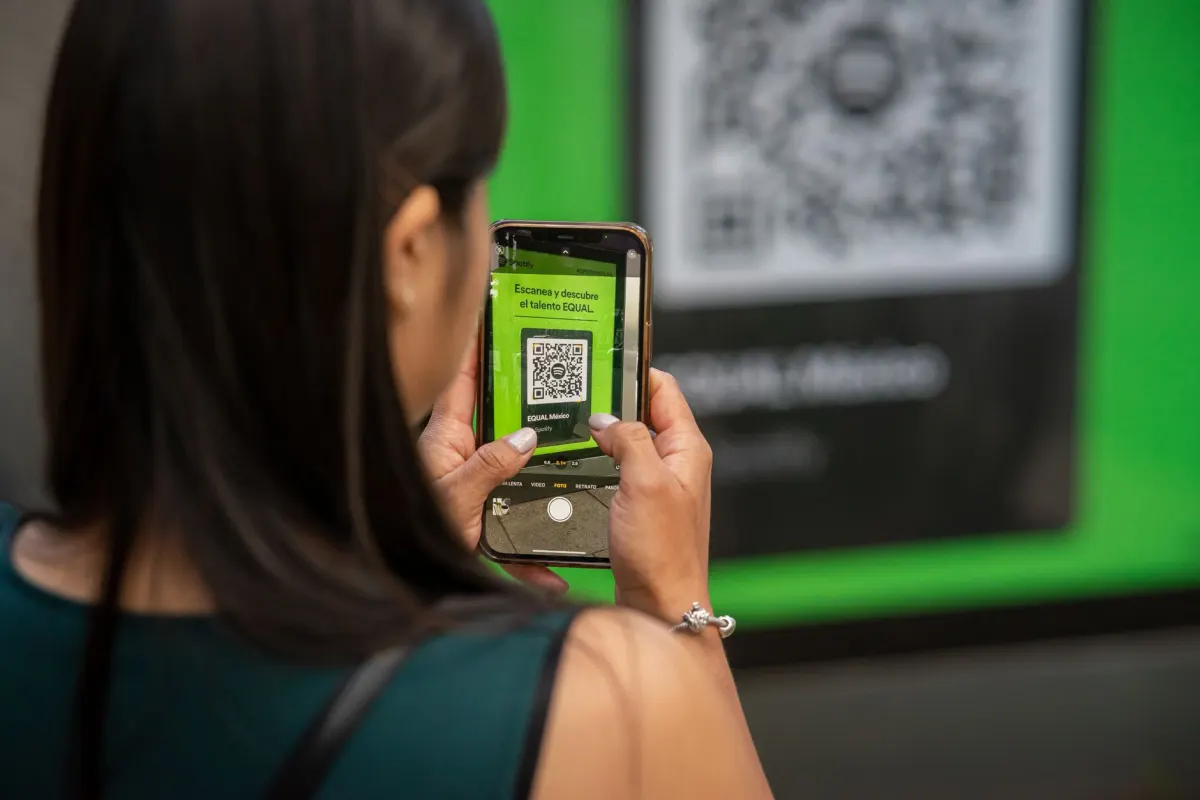
- Connect Channel (20s): Scan QR (Telegram bot) or WhatsApp link.
- Auto-Config (20s): Workspace/gateway/skills load (Grok default).
- Chat! (10s): "Hi Claw", live assistant.
Alternative: For manual setup, use the GitHub OpenClaw repo with a VPS or DigitalOcean 1-click deploy.
Pro Tip: Skills auto-load, expand post-deploy.
OpenClaw Channels and Integrations
Once deployed, extend your assistant with ClawHub popular skills 2026 and more:
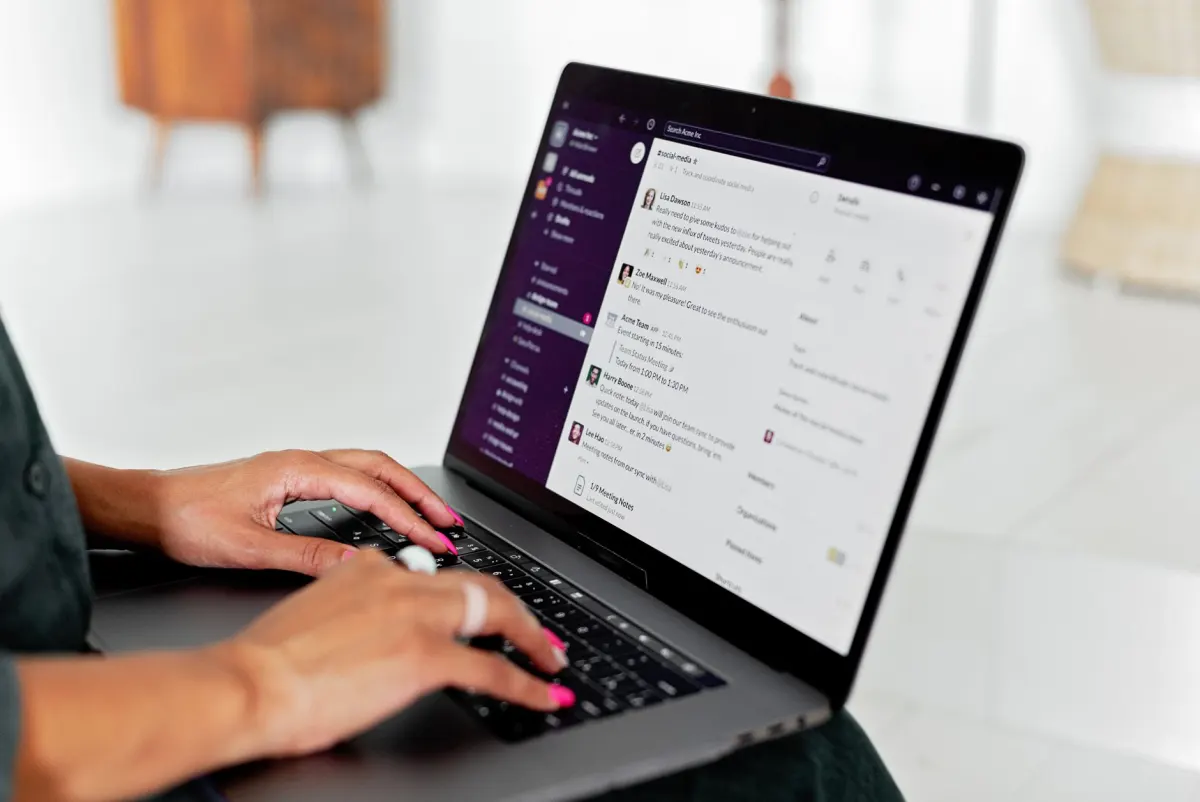
- Telegram/WhatsApp: Native integrations, connect in seconds.
- Skills: 50+ bundled skills plus the ClawHub top skills from the OpenClaw ClawHub skills list (weather, SEO, code review, and more). Browse clawhub.ai popular skills for the full catalog.
- Models: Switch between Grok, Claude, or local Llama models.
Performance: 24/7 uptime with <1s latency when running locally.
Frequently Asked Questions
How to deploy OpenClaw in under 1 minute?
Use clawoneclick.com: Click → Connect → Live.

ClawOneClick
Get Started FREE
Any AI model
4+ channels
Custom skills
What's the best OpenClaw deploy method?
ClawOneClick (no infra): fastest/privacy-first.
OpenClaw onboarding steps?
Auto-wizard: Channels → Models → Skills.
Quick OpenClaw setup cost?
$0 (local) to $8/mo VPS.
Can OpenClaw connect to Discord as well as Telegram and WhatsApp?
Yes, OpenClaw connects to Discord along with Telegram, WhatsApp, and the rest of its 10+ supported channels. The ClawOneClick onboarding wizard configures the channel automatically during setup, so there's no extra install step.
Which AI models can I use with OpenClaw?
OpenClaw is model-agnostic, so you can run Grok, Claude, or local Llama models through the same assistant. ClawOneClick sets Grok as the default during auto-config, and you can switch models afterward from your workspace.
Is there a manual way to install OpenClaw without ClawOneClick?
Yes, the OpenClaw GitHub repo supports manual setup on a VPS or through DigitalOcean's 1-click deploy. That route skips the ClawOneClick wizard, so it takes longer and you manage the server yourself.
What tools does OpenClaw include out of the box?
OpenClaw ships with browser and exec tools plus 50+ bundled skills, well beyond the basic toolset most cloud bots offer. You can add more from ClawHub once your assistant is live.
How much does OpenClaw cost to run compared to cloud bots?
Running OpenClaw through ClawOneClick costs $0 to $8 a month, under the $20+ that cloud bots typically charge. A fully local install on your own GPU can also run for $0 a month, though it takes 1 to 2 hours to set up.
How fast does OpenClaw respond once it's deployed?
OpenClaw runs with 24/7 uptime and under 1 second of latency when hosted locally. Cloud bots route messages through a vendor's servers instead, which is part of why ClawOneClick's local setup stays private.
Conclusion
Deploy an AI assistant in under 1 minute with clawoneclick.com: OpenClaw deployment perfected. Private, powerful, and expandable with the ClawHub best skills 2026.
Deploy now: join 10K+ users. Then install the ClawHub most popular skills to supercharge your agent.
Sources: GitHub, easyclaw.space, Hackceleration (2026).
Was This Article Helpful?
Let us know what you think!
See us more often in Google
One click marks ClawOneClick as a preferred source, so our articles sit higher in your Top Stories, AI Mode, and AI Overviews.
Before you go...
ClawOneClick
Deploy your AI assistant in minutes
Choose your model, connect your channel, and go live with ClawOneClick.
Any AI model
4+ channels
Custom skills
Related Articles
Choose an OpenClaw One Click Install or DIY Setup
Compare an OpenClaw one click install with local Docker and VPS setup: system requirements, the exact commands, and fixes for the errors that stop installs.
How to Post to 10 Social Media Platforms Directly From Your Messenger With AdaptlyPost Skill
The AdaptlyPost social media skill lets OpenClaw post to Instagram, LinkedIn, X, TikTok and six more from WhatsApp, Telegram, Discord or Slack in one message.
Build an OpenClaw SEO Agent in Five Minutes
Wire up an OpenClaw SEO agent with Brave Search and the SEO Content Writer pack, then run three prompts that research a keyword, draft it and push to Notion.